


Start ON or OFF?
We created two versions of each Toggle Switch — Start unchecked (OFF) and Start checked (ON). Choose the one you prefer and copy it! Make sure to set the appropriate option in the Checkbox Field Settings panel.
a
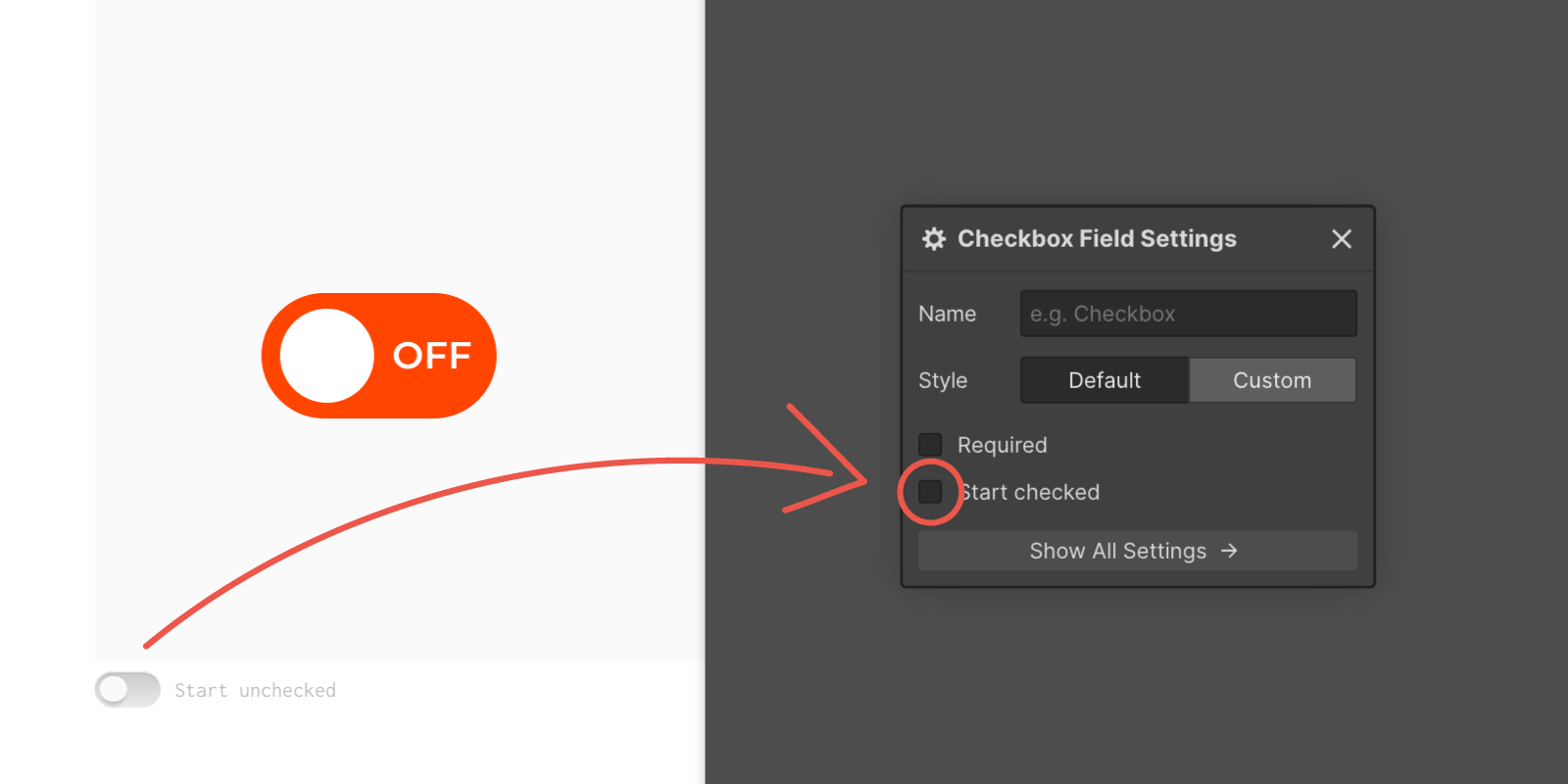
Start unchecked (OFF)
- 1If you want the Toggle Switch to start in the OFF position, leave the small toggle switch in the lower-left corner of the item field set to Start unchecked (OFF).
- 2Copy the Toggle Switch and paste it into your Webflow project.
- 3In the Checkbox Field Settings panel, leave the Start checked box empty (unchecked).
B
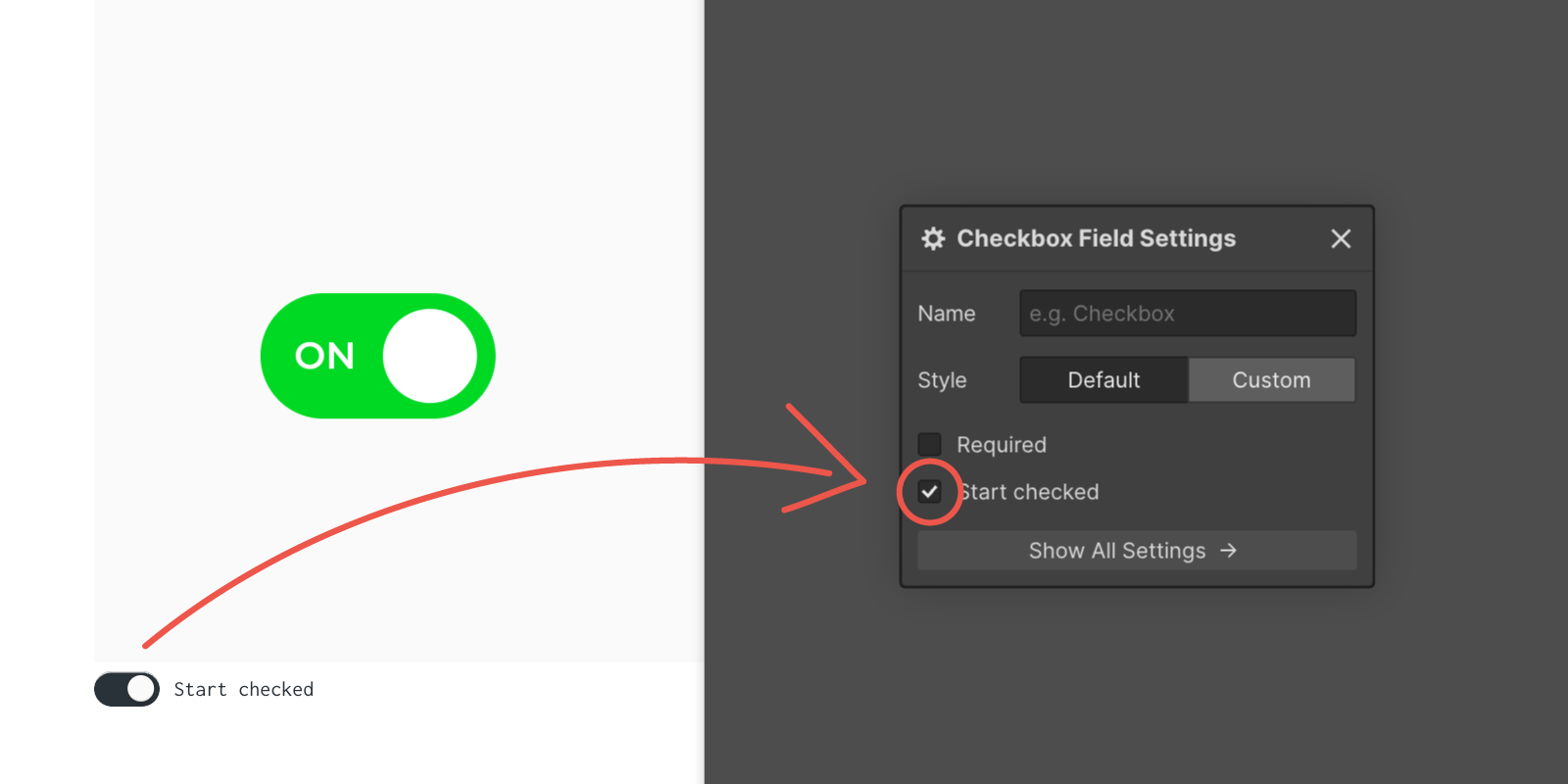
Start checked (ON)
- 1If you want the Toggle Switch to start in the ON position, set the small toggle switch in the lower-left corner of the item field to Start checked (ON).
- 2Copy the Toggle Switch and paste it into your Webflow project.
- 3In the Checkbox Field Settings panel, check the Start checked box (ON).
Stay tuned! Get the latest updates straight to your inbox — once a month.
Thank you! Your submission has been received!
Oops! Something went wrong while submitting the form.



Copyright © 2026 Tadafy. All rights reserved.