


CSS Easing Cheat Sheet
(transition-timing-function)
The transition-timing-function property defines how the speed of a transition changes over its duration (time/progress).
ease out [↑ up] | ease in [↓ down] 500ms
↓
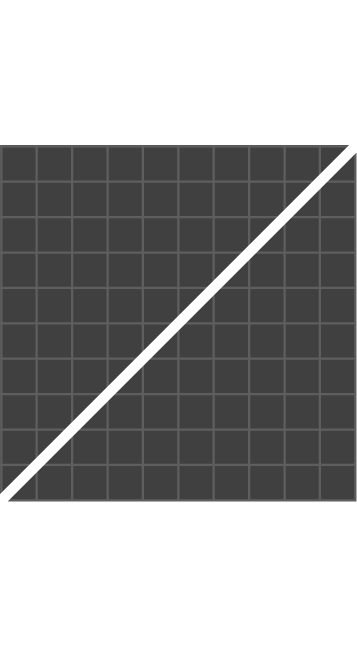
linear
↓
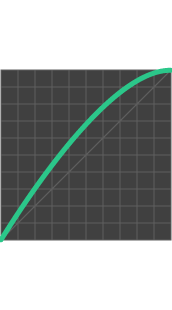
ease out
↓
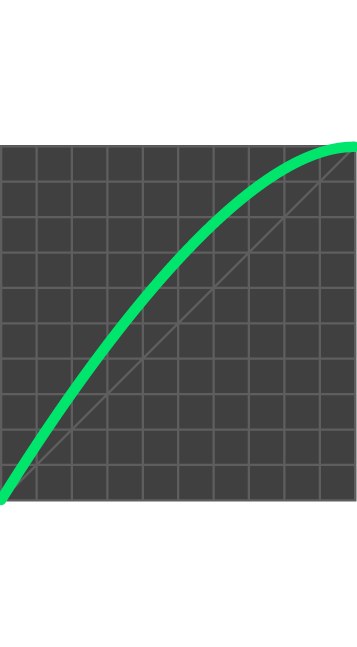
out-sine
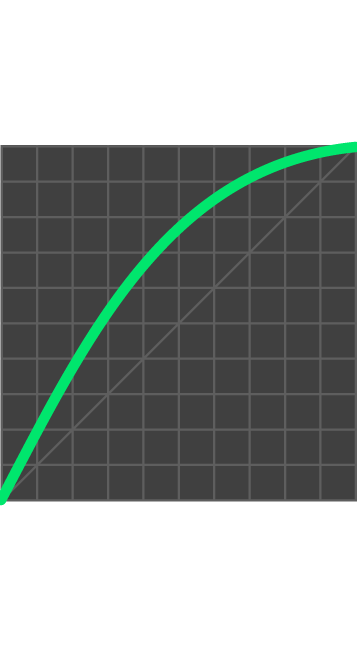
↓
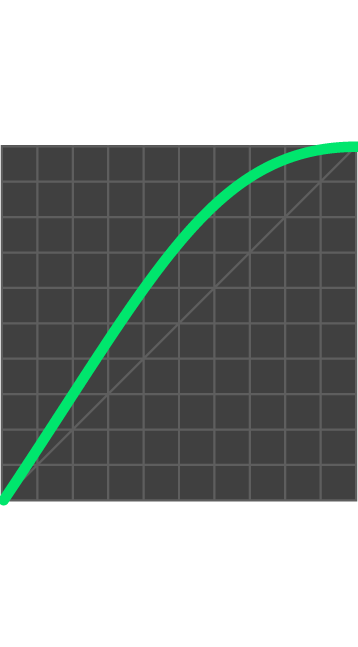
out-quad
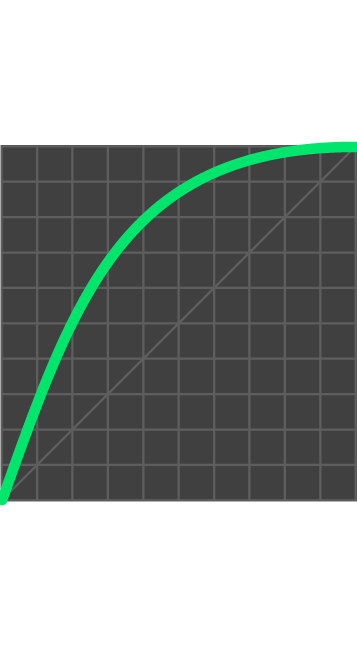
↓
out-cubic
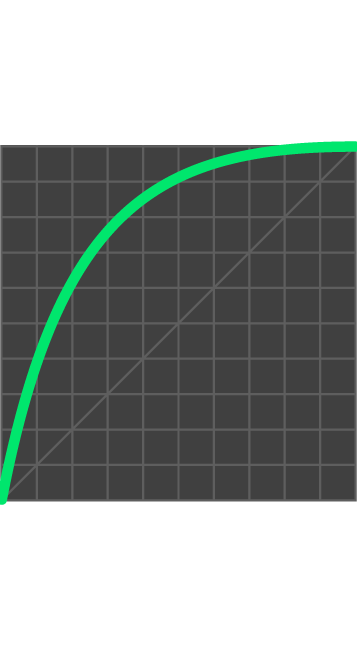
↓
out-quart
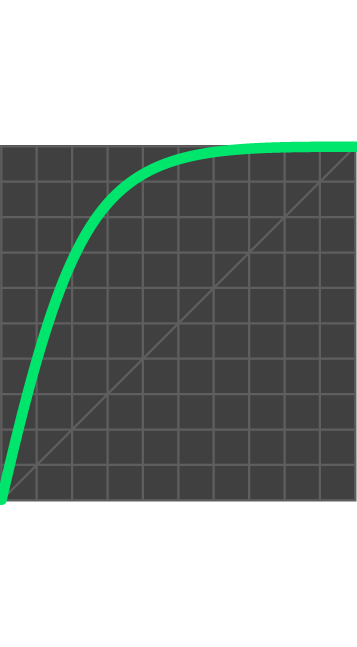
↓
out-quint
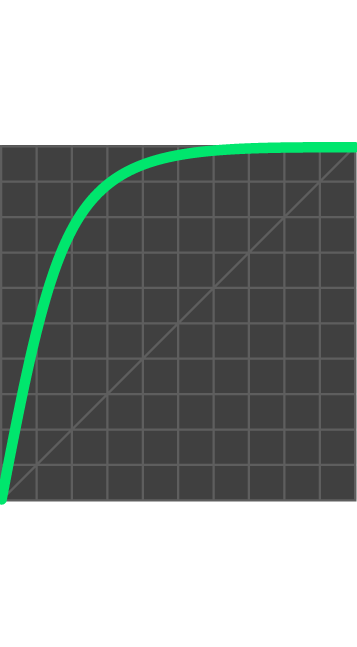
↓
out-expo
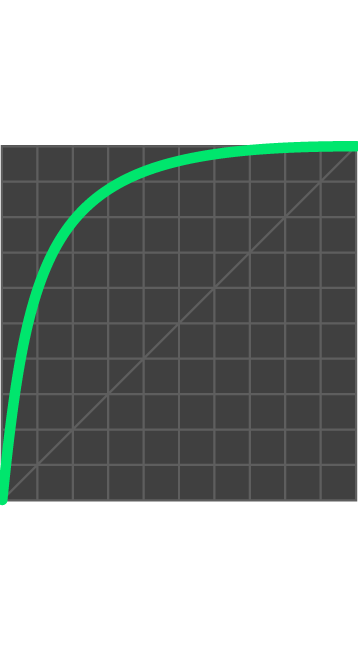
↓
out-circ
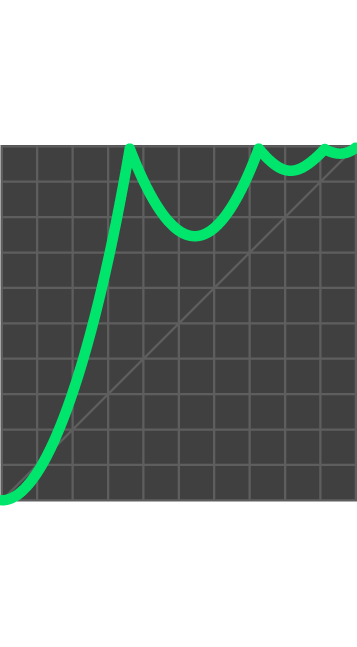
↓
out-bounce
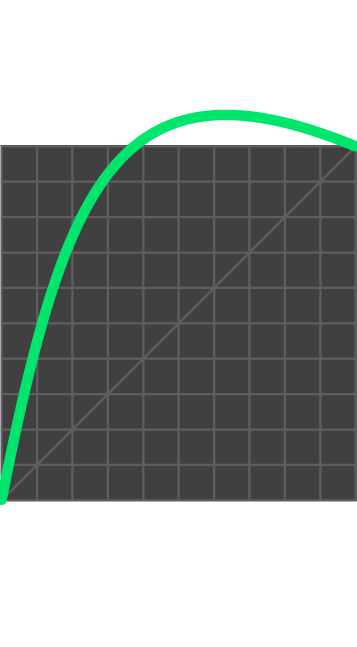
↓
out-back
↓
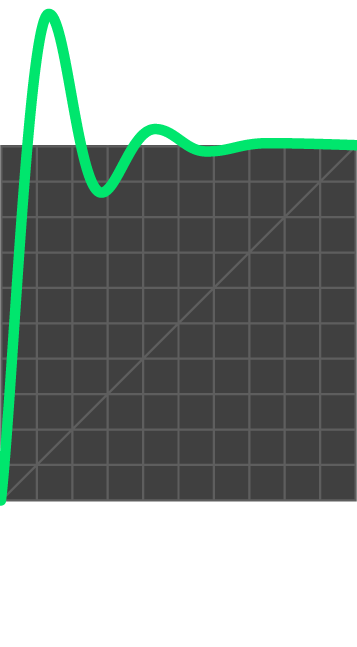
out-elastic
ease in out [↑↓ up&down] 500ms
linear
ease
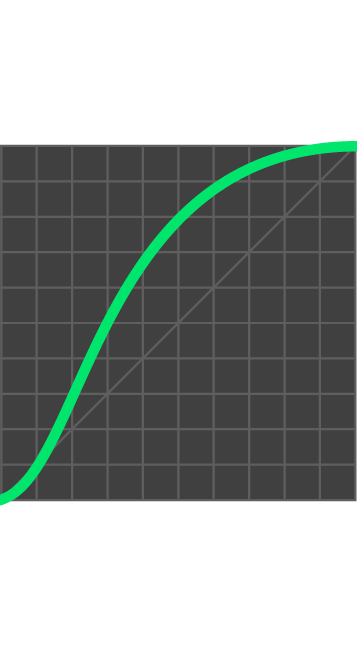
ease In Out
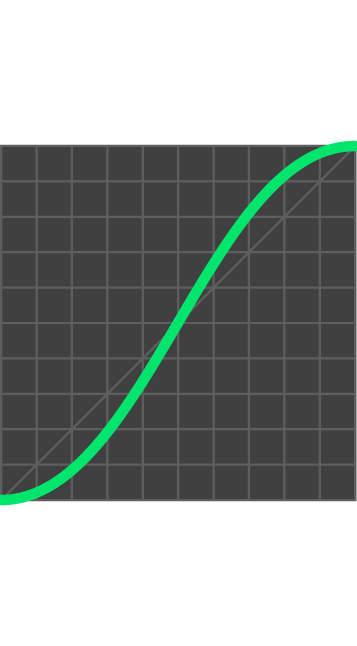
sine
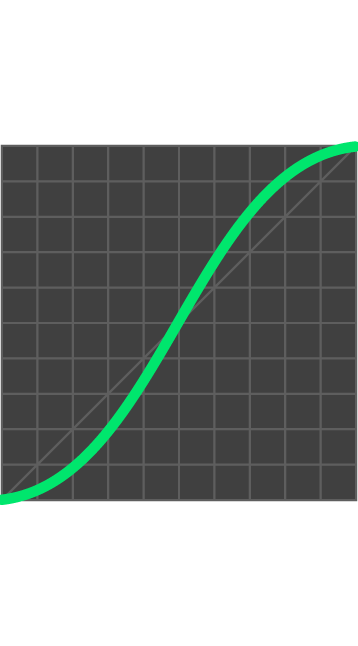
quad
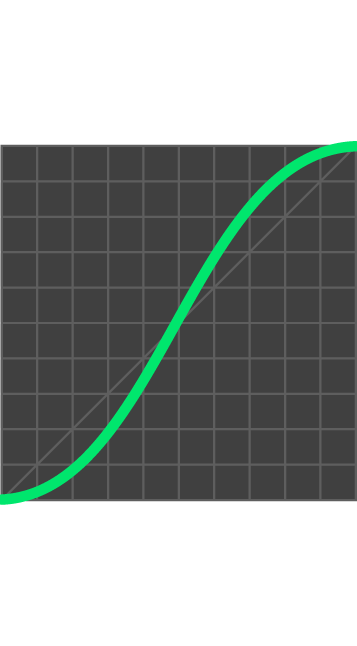
cubic
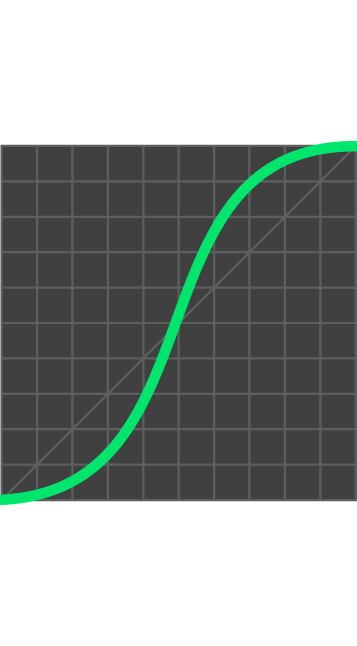
circ
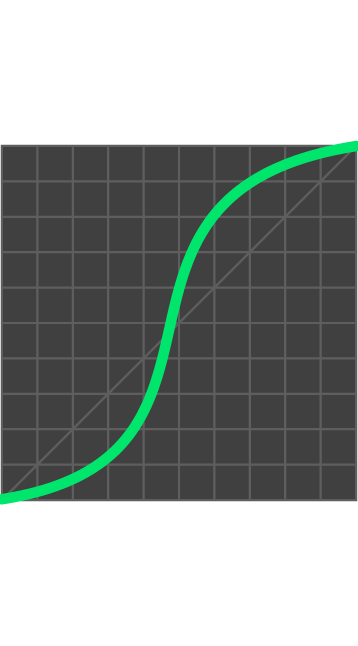
quart
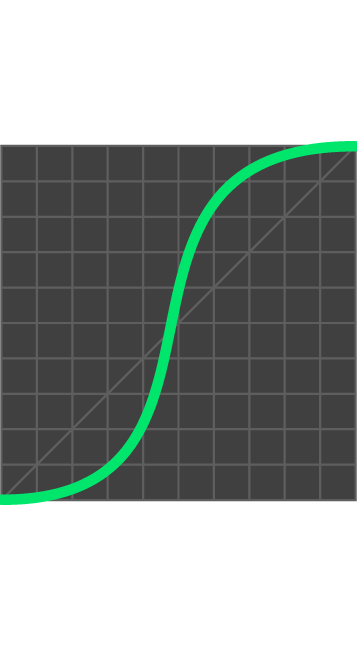
quint
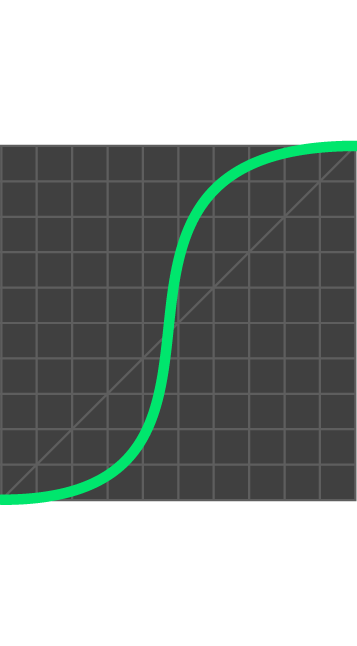
expo
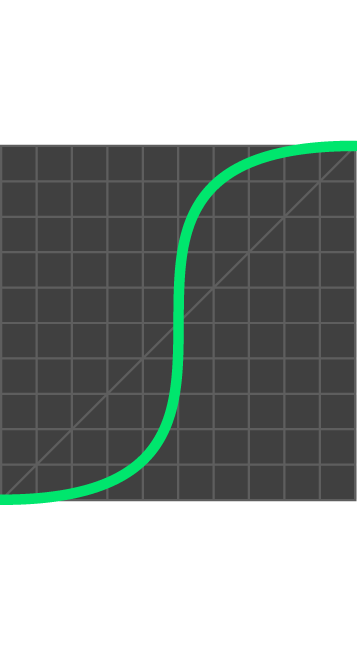
back
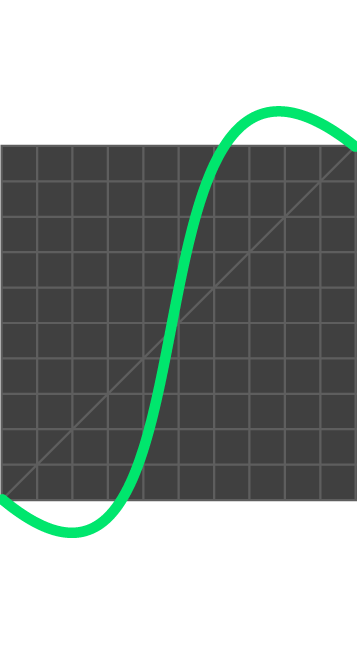
elastic
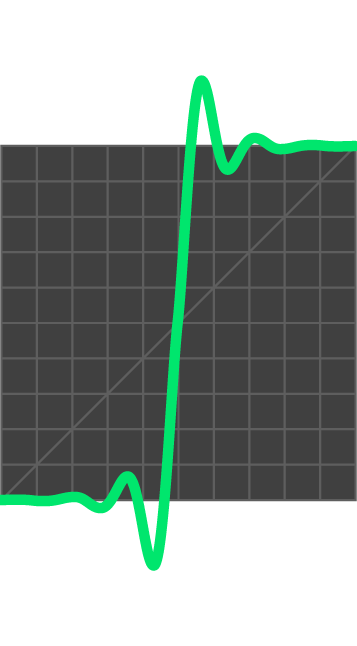
bounce & swing [↑↓ up&down] 500ms
swing to ↓
swing from ↓
Transition delays
The transition-delay property specifies when the transition effect will start. Don’t animate everything at the same time — use choreography instead. Elements should appear from the right direction and at the right time. Even though they are separate, they should feel like parts of one well-designed unit.
Transition duration
The transition-duration property defines how many seconds (s) or milliseconds (ms) a transition should take to complete.
CSS Transforms
The transform property applies a 2D or 3D transformation to an element. It allows you to translate (move), scale, rotate, skew, and more.
TRANSFORM-ORIGIN
The transform-origin property changes the reference point (origin) of transformed elements.
CSS Transitions
Transitions allow you to change property values smoothly (from one value to another) over a given duration. They require a trigger to run (unlike CSS animations) and are limited to an initial and a final state. Transitions are ideal for simpler animations — they can’t add or remove CSS properties and can’t loop. They play forward when triggered and reverse when the trigger is removed.
Transitional (State Change)
Indicates that an element has changed state due to user interaction.
T
CSS Animation
reveal (Entrances & Exits)
The appearance or disappearance of an element on the screen.
3D perspective
Enabling 3D perspective on an element makes it possible to move, rotate, and scale objects in 3D space. You can apply perspective to a parent element (affecting all its children) or directly to an individual element.
children perspective
self perspective
Children Perspective Variations
3D Transforms
3d move
3d rotate
3d scale
3d skew
12 Principles of Animation
Disney’s Twelve Basic Principles of Animation were introduced by animators Ollie Johnston and Frank Thomas in their 1981 book The Illusion of Life: Disney Animation. The purpose of these principles was to create the illusion of characters adhering to the fundamental laws of physics.

Squash and Stretch
Gives the illusion of weight and volume to a subject.

ANTICIPATION
Prepares the audience for action, and increases realism of action.

staging
The presentation of any idea so that it is completely and unmistakably clear.
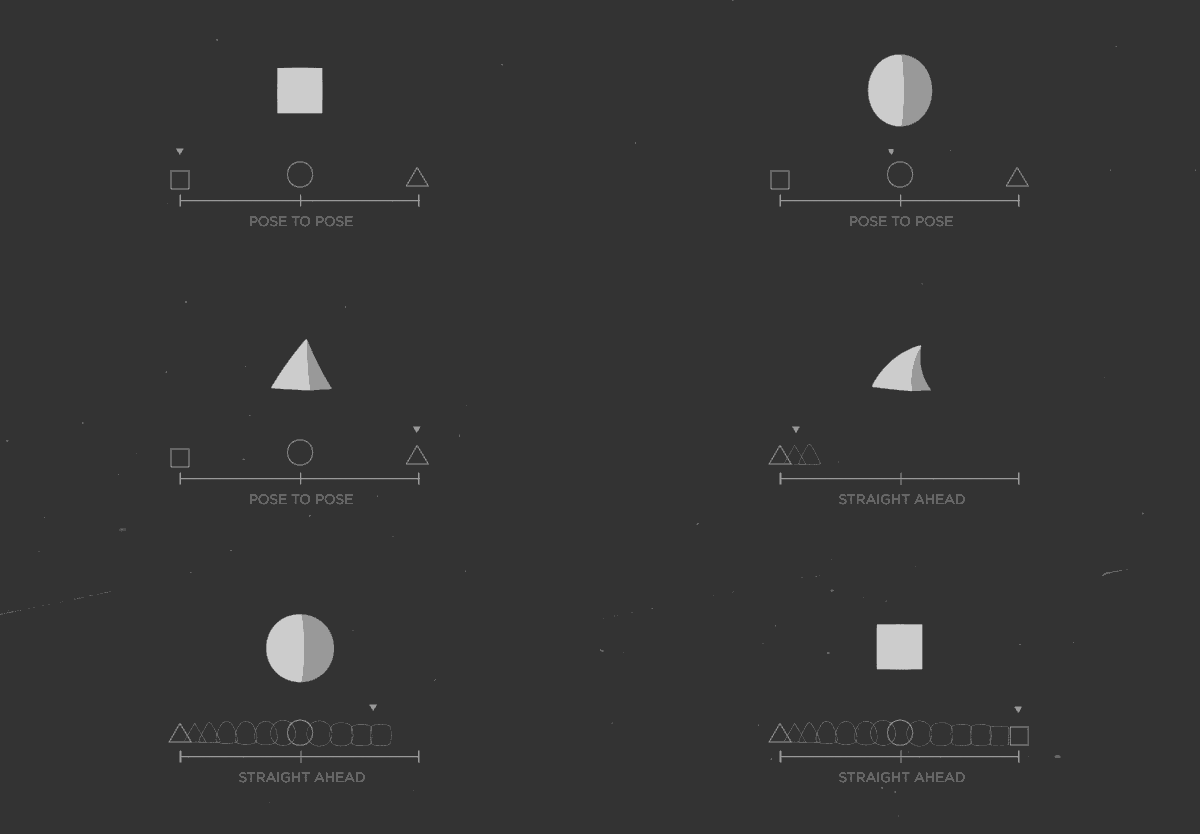
STRAIGHT AHEAD & POSE TO POSE
In straight ahead you animate the scene from start to end and in pose to pose, you block the key actions and movements and then fill in the intervals

Follow Through
Refers to part of the subject that continue to move after a completed action. It is the result of inertia.
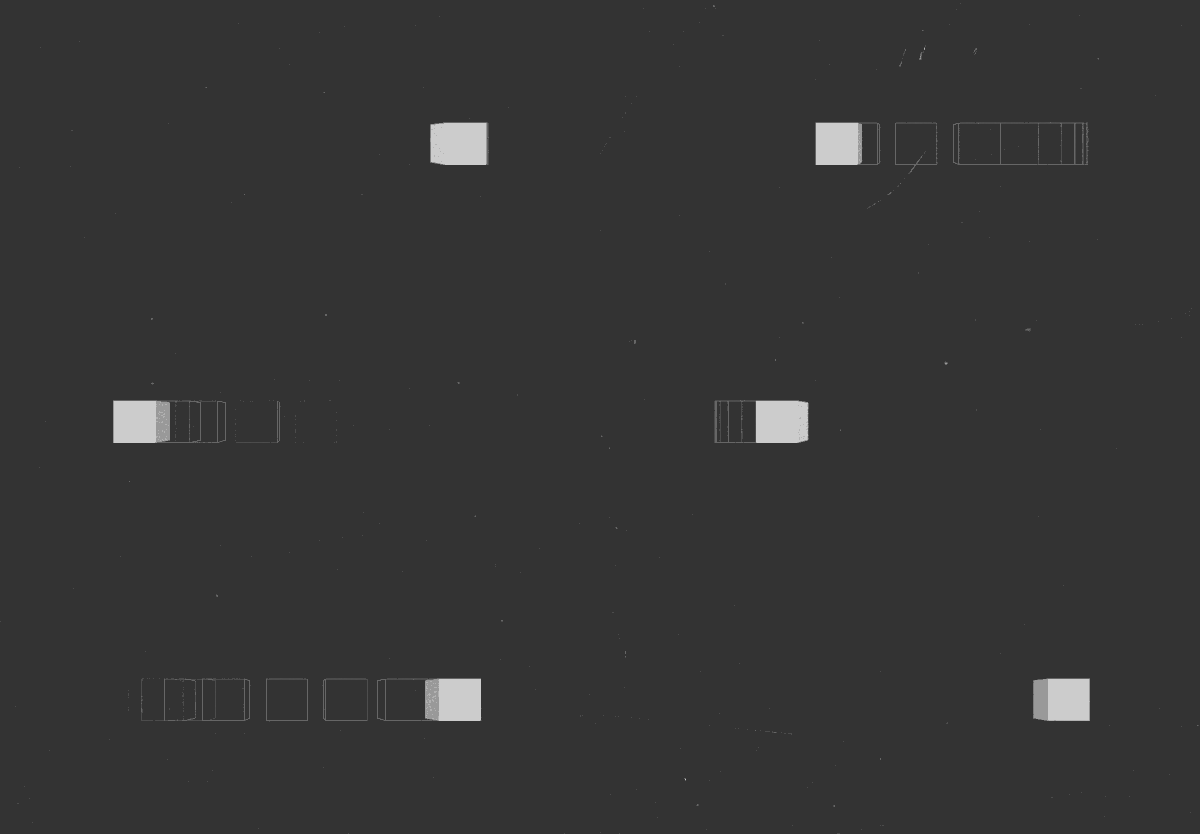
Slow In & Slow Out
The subject needs time to slow down - and speed up.

arcs
Humans and animals always move in arcs. Arcs increase the realism of the subject's action.

Secondary Action
Emphasises and supports the primary action of the subject, whilst providing scenes with greater life.
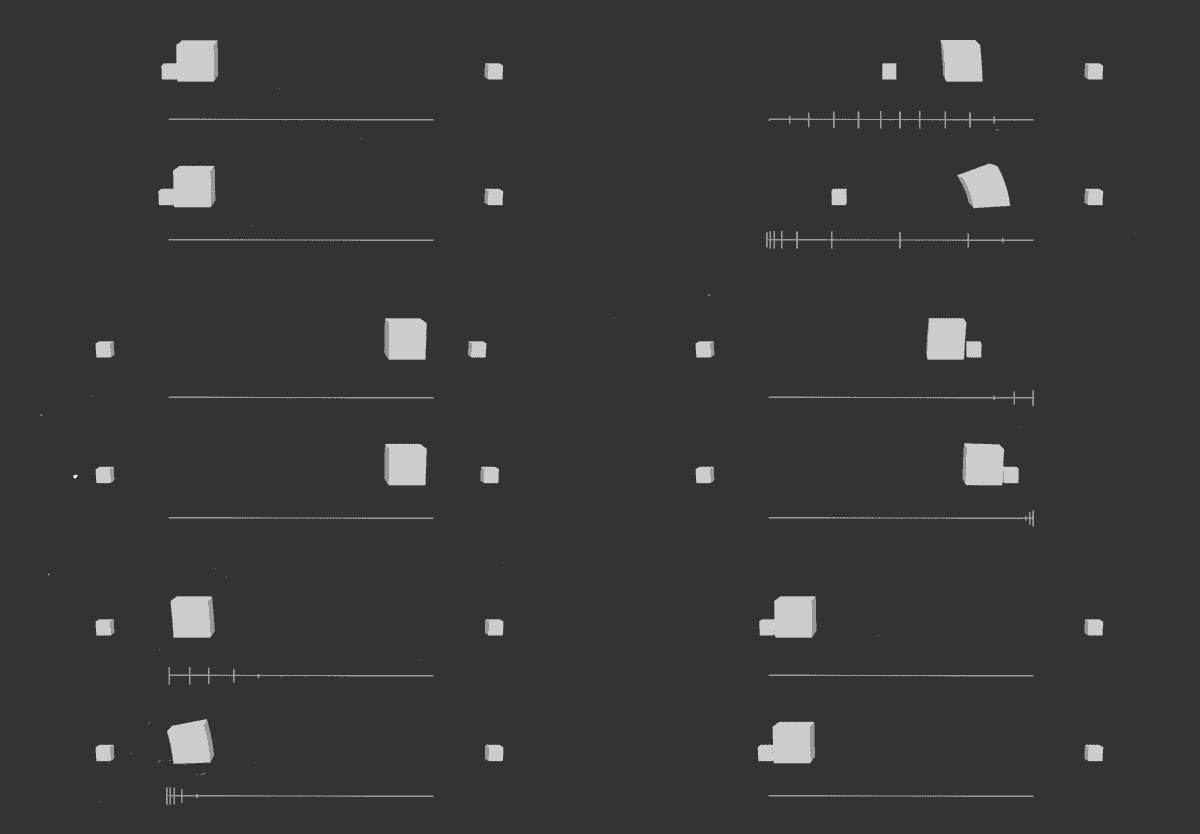
TIMING
More frames create slower action, whilst fewer frames create faster action.

Exaggeration
Presents the physical features or elements of a character in an exaggerated form..

Solid drawing
Adds weight, volume and 3D illusion to the subject.

appeal
Like charisma in an actor, it’s the attention to detail and movement combined that creates an appealing result. It makes your scene interesting to the viewers.